

With Enduco, you can easily share your workouts with friends and followers. Since uploading your own images to Enduco isn’t possible yet, there are two options:
1️⃣ Share your workout on iOS with your own photo/video
- Open the completed workout and tap Share
- Copy the image
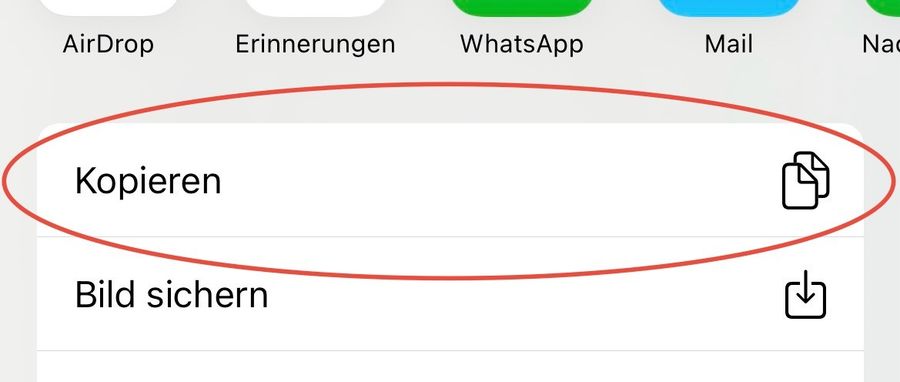
- Open Instagram and create a Story
- Select your desired background photo or video
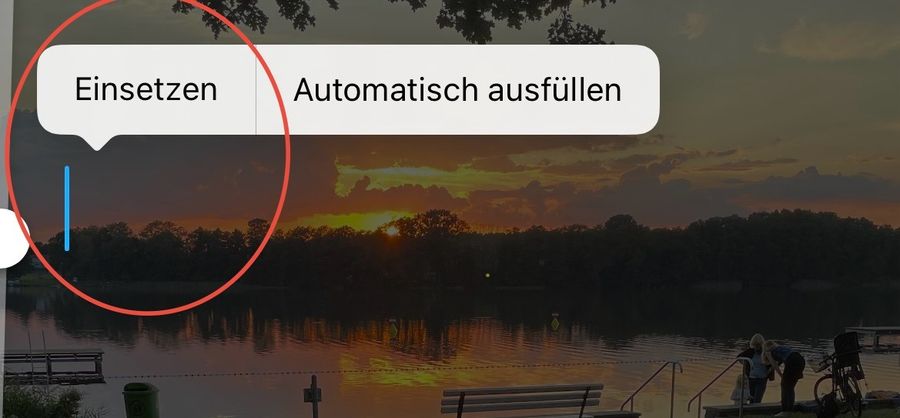
- Tap the Aa-button to add text
- Paste the copied Enduco workout graphic onto your background ✨
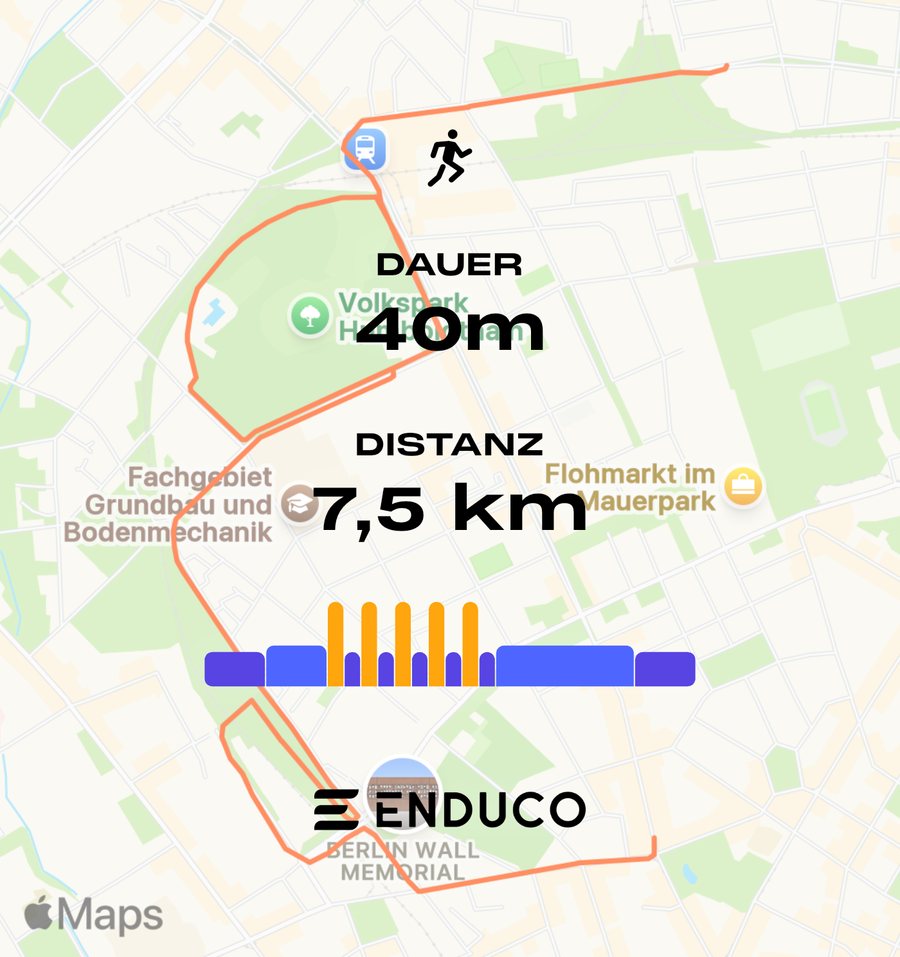
2️⃣ Share your workout with a map background
- Open the completed workout and tap Share
- Choose to save the image or share it directly to Instagram (or other apps)
- Done! Your workout will appear with a map as the background 🗺️
This way, you can creatively share your achievements and motivate your friends and followers!